
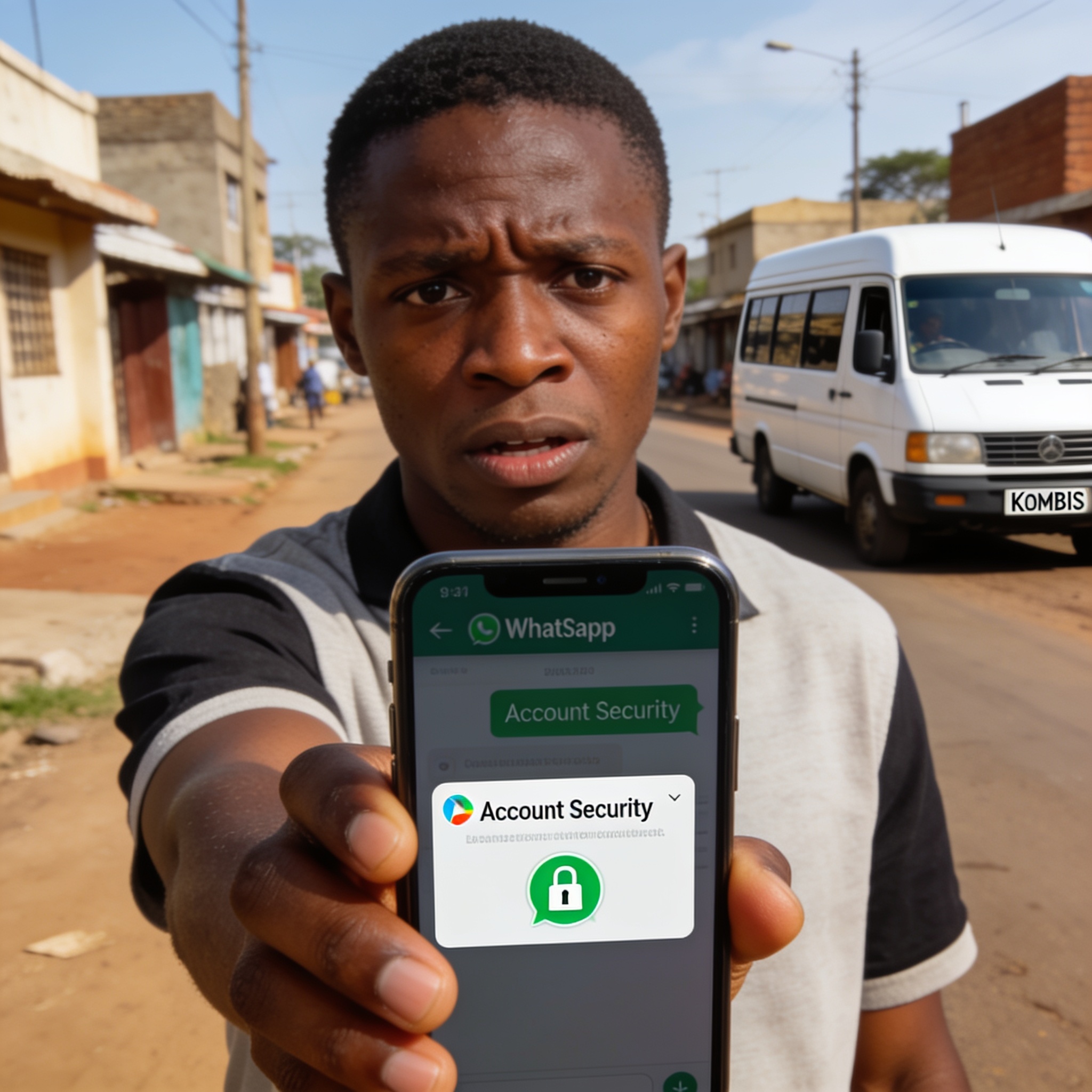
Econet Wireless Zimbabwe has urged its subscribers to harden their WhatsApp accounts against a growing wave of hijacking attempts, warning that fraudsters are increasingly targeting mobile users through social engineering and outright account takeovers.
The operator said customers should take a few minutes to review their app settings and activate the strongest available protections before criminals get there first, describing the measures as a simple way to keep accounts recoverable even if an attacker tries to seize control.
What the mobile operator wants users to switch on
At the centre of the advisory is WhatsApp Passkeys, alongside two-step verification. Econet said enabling passkeys and turning on the extra verification layer gives an account an additional shield, so that if someone attempts to compromise or hijack it, the legitimate owner still has a route back in.
The company said users should also set a six-digit verification PIN and add a recovery email address so the account does not become permanently locked out during a dispute over ownership.
Econet has been pushing the message out across its own channels, including SMS, Facebook, Instagram, X and its website, in what amounts to a sustained awareness drive rather than a one-off notice.
The checklist subscribers are being asked to follow
- Turn on WhatsApp Passkeys and two-step verification, then set a six-digit PIN with a recovery email.
- Never hand over a verification code or security PIN to anyone, no matter who they claim to be or how urgent the request sounds.
- Review the linked devices list regularly and remove any gadget that should not be connected to the account.
- Keep the app updated so the latest software fixes and security patches are installed.
- Check call forwarding settings and disable any forwarding that was not set up by the account holder.
- Do not dial unverified codes beginning with asterisk symbols, which are commonly used in call-diversion fraud.
- Do not scan QR codes from unknown sources or enter WhatsApp pairing codes on third-party websites and public displays.
- Log out of any WhatsApp Web session that is not in active use.
- Treat messages that create panic or demand confidential details with suspicion.
- Avoid clicking links that arrive unexpectedly, even when they appear to come from a familiar contact.
- Confirm any request for money, account details or verification codes by calling the person directly before acting.
Why a hijacked chat account is worth so much to criminals
For fraudsters, a stolen WhatsApp profile is more than a nuisance. It is a trusted identity. Because messages arrive from a number a victim already knows, requests for cash, airtime or mobile wallet transfers can look completely genuine.
Once inside an account, an attacker can read conversations, learn who the victim banks with, copy contact lists and then run the same trick on everyone in them. Hijacked numbers are also frequently used to push fake investment offers, bogus job opportunities and fraudulent payment requests.
Social engineering remains the cheapest way in. Rather than breaking encryption, criminals persuade users to reveal a one-time code, click a malicious link or approve a login prompt. Urgency is the weapon of choice, with messages warning that an account will be closed or a delivery will be lost unless the recipient acts immediately.
Why the warning matters now
Zimbabwe’s economy runs increasingly through mobile messaging. Small traders, transporters, informal sellers, churches, schools and family groups all depend on WhatsApp to coordinate payments, deliveries and appointments. That reliance makes the platform a high-value target and raises the cost of a single compromised account far beyond the phone itself.
Mobile network operators have also been under pressure to protect subscribers from SIM-swap fraud and impersonation scams, which often begin with a convincing phone call or text message designed to extract personal information.
Practical habits that reduce the risk
Security specialists consistently advise users to treat codes and PINs the way they would treat a bank card and its password. A legitimate support agent, bank official or network employee will never ask for them.
Users are also encouraged to slow down. Fraudsters rely on panic, so verifying an unusual request through a second channel, such as an ordinary voice call or a face-to-face conversation, breaks the chain before money moves.
Households and workplaces can add another layer by agreeing on internal rules, for example that any change of bank or mobile money details must be confirmed verbally before payment.
Econet’s message is straightforward: the settings exist, they are free, and switching them on takes less time than recovering a stolen account once the scammers are already inside.